
May 6, 2025 — Google has begun rolling out Chrome 136 for Android, introducing a handful of visual changes aimed at streamlining the browser’s interface. The most notable shift in this update is the partial removal of Dynamic Color, a Material You feature that adapts the UI based on the system theme and wallpaper.
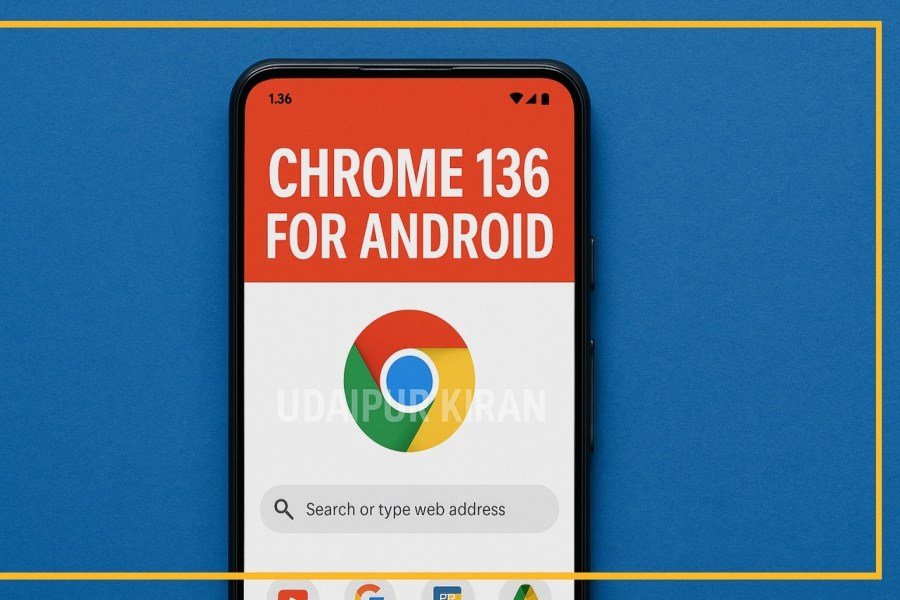
The change is particularly noticeable for users operating in dark mode, where key UI elements now appear in a flat gray tone, moving away from the previously colorful and personalized look.
Dynamic Color Pulled from Select Areas
Dynamic Color, a hallmark of Google’s Material You design philosophy, previously added system-wide personalization by applying dominant wallpaper hues to app interfaces. In Chrome 135, this included elements like the overflow menu and tab switcher, which dynamically adjusted their colors.
With Chrome 136, Google has toned this down. The overflow menu, once lightly themed with personalized accents, now defaults to a neutral gray background. Similarly, in the tab switcher, all cards except the active tab now appear with monochrome gray backgrounds.
Importantly, not every part of Chrome has lost Dynamic Color. Some light UI components still retain subtle personalization, indicating that the change is selective rather than comprehensive.
While these modifications might seem minor, they reflect Google’s evolving approach to design consistency and visual clarity, possibly driven by performance or accessibility considerations.
Rounded Corners and UI Refinement
Another prominent change in Chrome 136 is the increased corner radius of cards within the tab switcher. Tabs now feature more pronounced curves, contributing to a softer, more modern visual aesthetic. This aligns with broader UI trends across Google’s ecosystem, including Android and Workspace apps.
Google has also hinted at upcoming updates that will apply this more rounded styling to additional UI elements, such as menus and overlays. This incremental refresh aims to unify Chrome’s appearance across devices and screen sizes.
Is This a Bug or a Feature?
The selective removal of Dynamic Color has sparked speculation. Some users suggest it could be a temporary bug, especially as the changes persist in Chrome’s Beta and Dev channels. However, the consistency across releases suggests it may be an intentional design decision rather than an oversight.
Regardless, most users are likely to quickly adapt to the new look, with the changes being subtle enough to go unnoticed after initial use.
Chrome 136 Rollout and Availability
Chrome 136 is currently rolling out via the Google Play Store. Users should receive the update automatically in the coming days, depending on device and region. Those eager to explore the latest version can also download it manually from the Play Store or sideload the APK via trusted sources.
While the update does not include major functional enhancements, these interface refinements reflect Google’s ongoing effort to balance personalization, usability, and performance in one of the world’s most widely used mobile browsers.
Author Profile

- My name is Ganpat Singh Choughan. I am an experienced content writer with 7 years of expertise in the field. Currently, I contribute to Daily Kiran, creating engaging and informative content across a variety of categories including TECHNOLOGY, health, travel, education, and automobiles. My goal is to deliver accurate, insightful, and captivating information through my words to help readers stay informed and empowered.
Latest entries
 NationalFebruary 27, 2026Strong Earthquake Tremors Felt in Kolkata, Panic Among Residents
 Politics, NationalFebruary 27, 2026Former Deputy Chief Minister Acquitted in CBI Case, Affirms Honesty of Kejriwal and Sisodia
 ENTERTAINMENTFebruary 27, 2026Anupamaa Episode Update: Gautam Reveals His Master Plan on February 27
 TECHNOLOGYFebruary 27, 2026Google Tensor G6 Surfaces Early on Geekbench with Unique 7-Core CPU
 Follow Us on WhatsApp
Leave a Comment