Keeping your Aadhaar card up to date with an active mobile number is essential in today’s digital-first world. Whether it’s for banking, school admissions, government subsidies, or verification through OTP, your registered mobile number plays a critical role in unlocking various Aadhaar-linked services. If your mobile number has changed or is not yet linked to your Aadhaar, here’s a straightforward guide to help you update it.
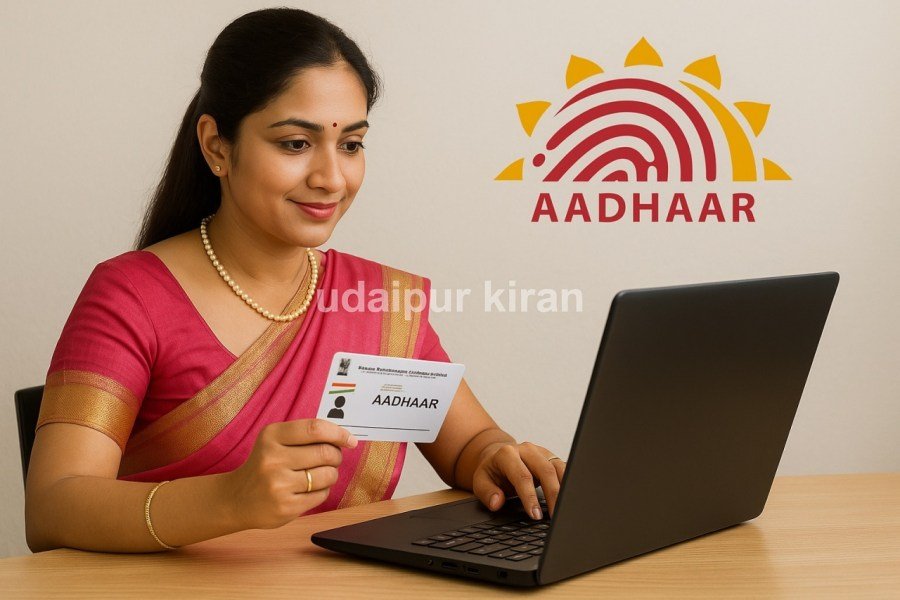
📱 Why Linking a Mobile Number to Aadhaar Is Important
Your mobile number acts as the gateway for Aadhaar-related services. From receiving OTP for authentication to accessing e-KYC, PAN linking, subsidy benefits, and more — an unlinked or outdated number can prevent you from completing essential tasks.

If your number is not updated, you won’t receive OTPs required for identity verification during online transactions. This means you may be locked out of critical digital services.
🔧 How to Change or Link Mobile Number to Aadhaar (Step-by-Step)
Updating your mobile number with Aadhaar is a simple and secure process that can be done by booking an online appointment and visiting your nearest Aadhaar Seva Kendra.

Step 1: Visit UIDAI’s Official Website
Go to the UIDAI website and choose your preferred language for easy navigation.
Step 2: Book an Appointment Online
-
Click on ‘My Aadhaar’ > ‘Get Aadhaar’ > ‘Book an Appointment’.
-
Enter your city or location and click on ‘Proceed to Book Appointment’.
Step 3: Generate OTP for Authentication
-
Enter your existing or new mobile number and the CAPTCHA code.
-
Click on ‘Generate OTP’, then enter the OTP received and click on ‘Verify OTP’.
Step 4: Fill in Aadhaar Details
-
Enter your Aadhaar number and personal details.
-
Choose the option to ‘Update Mobile Number’.
Step 5: Choose Date and Time for Appointment
-
Select a convenient slot for visiting the Aadhaar Seva Kendra.
-
Review all entered details carefully and click ‘Submit’.
🏢 Step 6: Visit Aadhaar Centre on Scheduled Date
-
Reach the Aadhaar Seva Kendra at the appointed time.
-
Carry your Aadhaar card and original ID proof.
-
A UIDAI officer will perform biometric verification (fingerprint/iris).
-
Your mobile number will be updated in the Aadhaar system.
You will receive an acknowledgment receipt. The update usually reflects within 3 to 5 working days.
✅ Final Tips
-
You cannot update your Aadhaar-linked mobile number fully online — physical verification is required.
-
There is a nominal fee (usually ₹50) for updating your mobile number.
-
You do not need to carry a SIM card or phone for the number being linked — just provide the correct number.
📌 Conclusion
Don’t wait until your Aadhaar-linked services stop working. If you’ve changed your phone number or haven’t linked one yet, now’s the time to act. Updating your Aadhaar with a valid mobile number ensures smooth access to banking, government services, and digital platforms without disruptions.

Author Profile

- My name is Kuldeep Singh Chundawat. I am an experienced content writer with several years of expertise in the field. Currently, I contribute to Daily Kiran, creating engaging and informative content across a variety of categories including technology, health, travel, education, and automobiles. My goal is to deliver accurate, insightful, and captivating information through my words to help readers stay informed and empowered.
Latest entries
 UDAIPURMarch 26, 2026Kashmiri Youth Exchange Program: A Day of Historical and Educational Experiences
 UDAIPURMarch 26, 2026Crackdown on Gas Black Market: 16 Domestic and 2 Commercial Cylinders Seized
 UDAIPURMarch 26, 2026India Build Expo 2026 Set to Launch in Udaipur with Prominent Industry Leaders
 UDAIPURMarch 26, 2026Inspiring Documentary on Rahul Agarwal to Air on March 28