
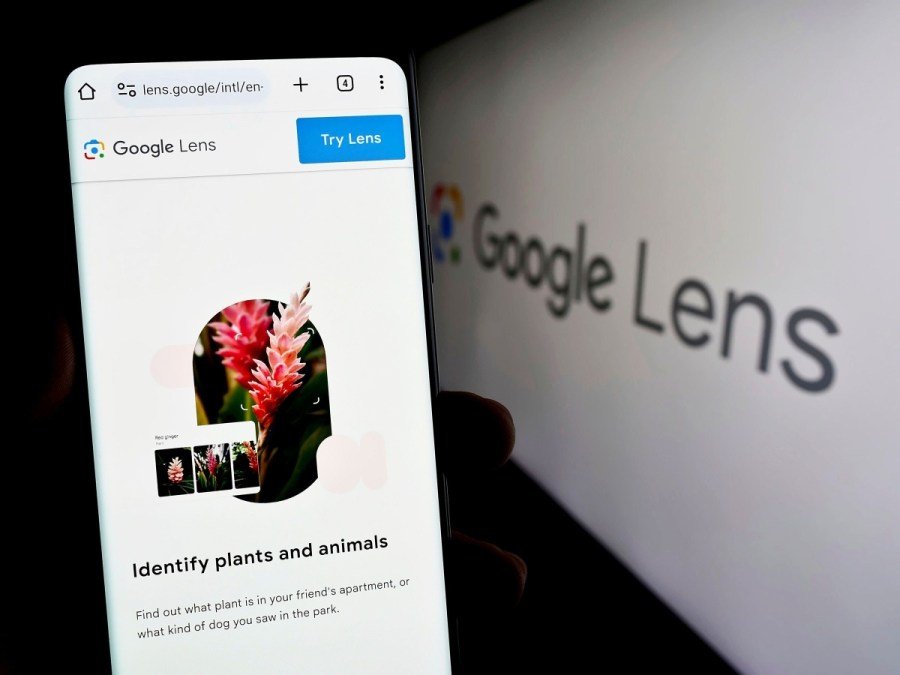
April 7, 2025 Google has officially begun expanding access to its AI Mode, a powerful search experience that now includes multimodal input via Google Lens, giving users the ability to ask questions about images in real time. Previously available only to Google One AI Premium subscribers, this feature is now rolling out free to millions of Labs users in the U.S. on both Android and iOS platforms.
 What Is Google AI Mode?
AI Mode is Google’s next-generation search experience powered by Gemini’s multimodal AI, enabling users to combine text, voice, and visuals in a single query. It leverages cutting-edge image recognition and contextual understanding to deliver highly nuanced and relevant results.

 What’s New: Google Lens + AI Mode = Smarter Visual Search
With this update, users can:
-
Take a photo using Google Lens or upload an image
-
Ask complex, contextual questions about what they see
-
Receive intelligent insights, suggestions, and follow-ups
Whether you’re pointing at a bookshelf, a meal, or a plant, AI Mode now uses Google Lens to precisely identify each object, analyze its context, and issue multiple layered queries for deeper understanding.
Example Use Case:
 Point your camera at a bookshelf AI identifies each book and pulls up:
-
Summaries
-
Reader reviews
-
Similar book recommendations
 Ask follow-up questions like:
“Which of these are best for teens?”
“Are any of these written by female authors?”
 Powered by Gemini’s Multimodal Capabilities
Google’s Gemini AI interprets:
-
Object relationships
-
Material types
-
Colors and shapes
-
Scene context
This deep visual comprehension means results go beyond basic recognition, offering recommendations, product links, comparisons, and actionable steps — instantly.
 Early User Insights: What People Love
After a month of limited release, Google reports users are enjoying:
-
The clean UI
-
Fast response times
-
The ability to handle nuanced, complex queries
Google says AI Mode queries are twice as long as traditional Google searches, with people using the tool for:
-
Product comparisons
-
Step-by-step tutorials
-
Trip planning
-
Idea generation
 How to Access
-
Update your Google app (Android/iOS)
-
Go to the AI Mode homepage
-
Look for the new Lens icon in the search bar
-
Tap or long-press the shutter to speak or type your query
Available to millions of Labs users in the U.S., with wider rollout expected in coming weeks.
 Bottom Line
Google’s integration of Google Lens into AI Mode marks a major leap in search evolution, merging visual intelligence with conversational AI. It not only helps users see better but think smarter, streamlining tasks that once required multiple searches into a single, seamless interaction.

Author Profile

- My name is Ganpat Singh Choughan. I am an experienced content writer with 7 years of expertise in the field. Currently, I contribute to Daily Kiran, creating engaging and informative content across a variety of categories including technology, health, travel, education, and automobiles. My goal is to deliver accurate, insightful, and captivating information through my words to help readers stay informed and empowered.
Latest entries
 UDAIPURMarch 24, 2026Hindustan Zinc and Tata Steel Strengthen Partnership to Promote Low-Carbon Ecozen Solutions
 UDAIPURMarch 24, 2026Collector Reviews Annual Operations at Girwa Tehsil Office
 UDAIPURMarch 24, 2026Young Swimmers Dive into Training at Panch Gaurav Camp
 RAJASTHANMarch 23, 2026Anti-Corruption Bureau Arrests Corrupt ASI in Bharatpur for Bribery